Free NSFW Image-to-Video AI: What to Look For
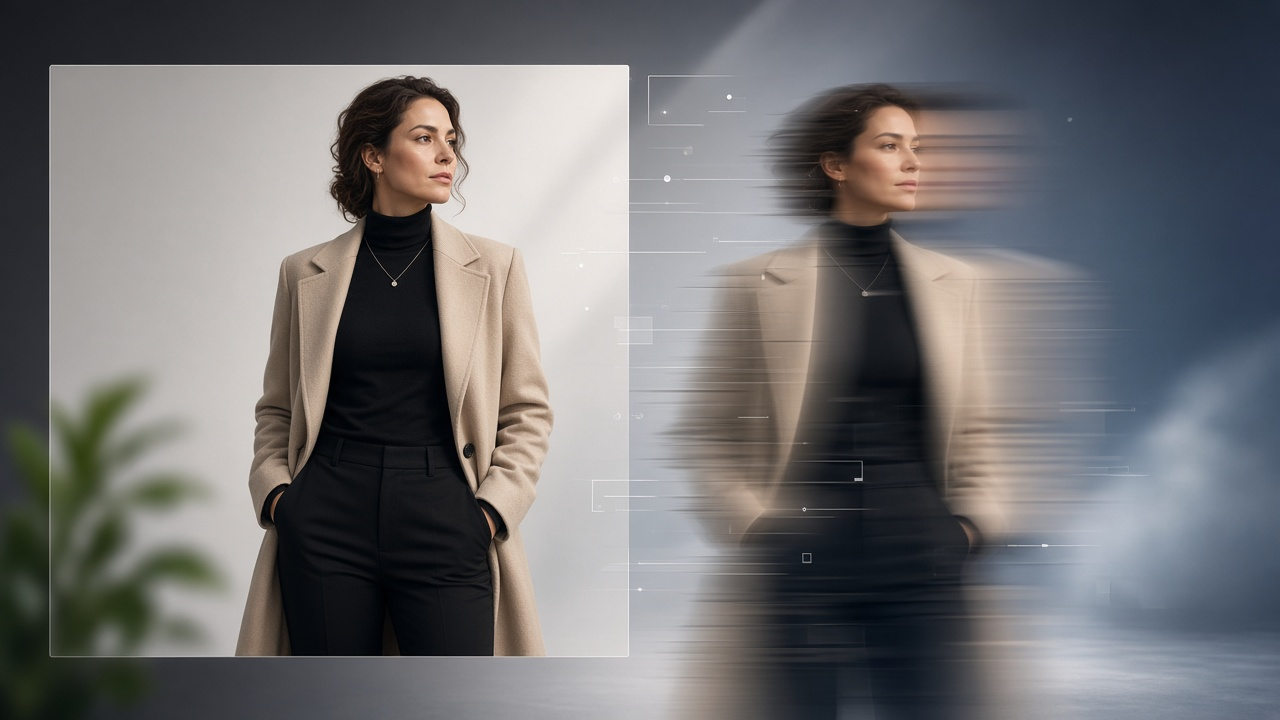
Turning a still image into an AI-generated video has become much easier as image-to-video models continue to improve.
For adult creators, one of the biggest questions is whether there is a free NSFW image-to-video AI that can generate convincing motion without immediately requiring a paid subscription.
The answer is more complicated than simply finding a tool with a “free” button.
Different AI video platforms place different restrictions on adult content, free plans often have generation limits, and the quality of the resulting video can vary considerably between tools.
If you're comparing NSFW image-to-video generators, here are the most important things to look at before choosing one.
What Is an NSFW Image-to-Video AI Generator?
An NSFW image-to-video generator uses artificial intelligence to transform a static image into a short animated video.
Instead of creating every frame manually, the AI analyzes the original image and predicts how movement might occur across multiple frames.
Depending on the platform, this can include movements such as:
- facial expressions
- head movement
- body movement
- camera movement
- background motion
- changes in pose
- subtle environmental animation
Some tools allow users to guide the animation using a text prompt, while others automatically determine how the source image should move.
If you're specifically looking to animate adult content, the important difference is whether the platform actually permits that type of generation.
Many mainstream AI video platforms have restrictions that prevent or heavily limit NSFW material.
For adult-focused workflows, it therefore makes more sense to use an NSFW image-to-video generator designed specifically for this type of content.
Is Free NSFW Image-to-Video AI Really Free?
“Free” can mean several different things depending on the platform.
Some generators provide completely free generations but restrict resolution or video length.
Others give new users a limited number of credits.
You may also encounter tools that allow free previews but require payment before downloading the final video.
A typical free plan might limit:
- number of generations
- generation speed
- video length
- resolution
- available models
- simultaneous generations
- advanced controls
Because of this, don't evaluate a platform only by whether it advertises free generation.
The more important question is:
What can you actually create before you need to upgrade?
A useful free tier should allow you to properly test the generation quality, workflow and available controls before deciding whether the tool is right for you.
1. Check Whether NSFW Content Is Actually Supported
This is the first thing to verify.
A platform may offer excellent image-to-video technology while still prohibiting adult content in its terms or generation system.
That makes it unsuitable for an NSFW workflow regardless of how good the underlying model is.
Look specifically for tools that openly support adult-oriented AI generation rather than trying to work around restrictions on mainstream platforms.
This is also why searches for an AI video generator that allows NSFW content can produce very different results from general AI video searches.
If NSFW generation is central to your use case, choose a platform where the feature is intentionally supported.
2. Look at the Quality of Image Animation
Image-to-video quality matters more than simply producing movement.
Poor generators may animate an image but introduce obvious visual problems such as:
- distorted features
- inconsistent body proportions
- unnatural movement
- disappearing details
- unexpected background changes
- flickering between frames
Better models maintain more consistency between the original image and the generated video.
When comparing tools, pay particular attention to how well the generator preserves:
- facial identity
- body consistency
- clothing and visual details
- lighting
- background structure
The strongest result is usually one where the video feels like a natural continuation of the source image rather than a completely different AI creation.
3. Check How Much Control You Have Over Motion
A good NSFW image-to-video generator should give you some control over how the image is animated.
The simplest platforms automatically generate movement.
More flexible tools may allow you to describe the desired motion with a prompt.
For example, instead of asking the model simply to animate an image, you may be able to specify:
- slow or fast movement
- subtle facial movement
- camera direction
- body movement
- scene pacing
- overall mood
Prompt control becomes increasingly important when you want a specific result rather than a random animation.
If you're new to this workflow, our guide on AI porn prompts can also help you understand how prompt structure influences generated content.
4. Look at Video Length
Free AI video generators frequently restrict output length.
Short clips may be enough for testing, but creators who want more complete sequences should check whether longer generation is available.
Consider whether the tool lets you:
- generate longer clips
- extend an existing generation
- create multiple clips from the same source
- maintain visual consistency across generations
For most users, a short but high-quality generation is more useful than a longer video filled with visual inconsistencies.
5. Check Resolution and Export Quality
Free plans often limit output resolution.
That isn't necessarily a problem when you're experimenting, but it becomes more important if the generated videos will eventually be published or edited further.
Check whether free generations include:
- downloadable files
- watermarks
- HD resolution
- multiple export formats
- restrictions on commercial use
You should understand what is included before investing significant time creating content.
6. Image Quality Still Matters
Even the best AI video model cannot completely compensate for a poor source image.
Clear source images usually produce better animation.
Try to start with an image that has:
- good lighting
- clear subjects
- consistent proportions
- minimal visual artifacts
- sufficient resolution
- an uncluttered composition
The AI needs to understand the structure of the image before it can predict how the scene should move.
This is particularly important when generating realistic-looking AI video.
We've covered the overall workflow in more detail in our guide on how to generate AI porn videos from a photo.
7. Consider Generation Speed
AI video generation requires significantly more computing power than AI image generation.
As a result, free users are often placed in slower processing queues.
This doesn't necessarily mean the generator is poor.
It simply means free accounts may receive lower priority than paid users.
If you're testing different prompts or source images, however, extremely slow generation can make experimentation frustrating.
A useful platform should provide a reasonable balance between generation quality and processing time.
8. Pay Attention to Privacy
Privacy is particularly important when using image-to-video generators for adult content.
Before uploading personal or sensitive images, check how the platform handles uploaded files and generated content.
Questions worth asking include:
- How are uploaded images stored?
- Are generated videos private by default?
- Can other users see generations?
- How long are uploaded files retained?
- Can users delete their content?
You should also only upload material that you have the legal right and consent to use.
AI tools should not be used to create intimate or sexualized content involving people without their consent, and never involving minors.
9. Look for a Tool Built Around the Workflow You Actually Need
A general AI video generator and an NSFW image-to-video generator may use similar underlying technology, but their intended workflows can be very different.
A mainstream platform may emphasize:
- marketing videos
- cinematic scenes
- social media content
- generic animation
An adult-focused generator may instead prioritize:
- NSFW-compatible generation
- adult-content prompts
- image-to-video workflows
- realistic character consistency
Choosing a tool that matches your intended workflow usually produces better results than trying to force a general-purpose platform into a use case it wasn't designed for.
Free vs Paid NSFW Image-to-Video AI
| Free AI Video Tools | Paid AI Video Tools |
|---|---|
| Limited credits | Larger generation allowance |
| Shorter clips | Longer videos |
| Slower queues | Faster processing |
| Limited models | More model choices |
| Lower resolution | Higher-quality output |
| Good for testing | Better for regular creation |
If you're just getting started, using a free option first makes sense.
It lets you test:
- how your images animate
- what prompts work
- what generation quality you can expect
- whether the workflow suits your needs
Once you're generating content regularly, generation limits and speed often become more important than simply having a free option.
How to Get Better Results From NSFW Image-to-Video AI
Regardless of which platform you use, a few basic practices can improve your results.
Start with a strong source image
The clearer and more coherent the original image is, the easier it is for the AI to maintain visual consistency.
Keep motion instructions simple
Trying to make too many things happen at once can increase the chance of visual artifacts.
Start with one clear movement and increase complexity gradually.
Generate multiple versions
AI generation is probabilistic.
Even with the same image and prompt, different generations may produce noticeably different results.
Generating several versions gives you a better chance of finding one that looks natural.
Refine rather than completely changing prompts
If a generation is close to what you want, adjust the existing prompt rather than replacing it entirely.
Small changes often make it easier to understand what is improving or hurting the result.
For a broader walkthrough, see our guide on how to make AI porn videos.
What Should You Look for in a Free NSFW Image-to-Video Generator?
The best tool isn't necessarily the one offering the largest number of free generations.
Prioritize:
NSFW support — Does the platform actually allow the content you want to create?
Generation quality — Does it preserve the original image well?
Motion control — Can you influence what happens in the video?
Free limits — Are there enough credits to properly test the platform?
Video quality — Is the resolution usable?
Privacy — How are uploads and generated files handled?
Ease of use — Can you move from image to finished video without a complicated workflow?
These factors matter much more than the word “free” by itself.
Try NSFW Image-to-Video Generation
If your goal is specifically to turn a still adult image into an AI-generated video, you can explore SpicyLab's NSFW image-to-video AI generator.
Rather than relying on a general-purpose video platform that may restrict adult generation, the workflow is designed around creating AI-generated NSFW video from images.
You can also explore the broader AI porn generator or browse NSFW AI tools depending on the type of content you want to create.
Frequently Asked Questions
Is there a free NSFW image-to-video AI?
Some NSFW image-to-video platforms provide free generations, trial credits or limited free access. The exact limits vary between platforms, so check generation limits, resolution, video length and download restrictions before choosing a tool.
Can AI turn an NSFW image into a video?
Yes. Image-to-video AI models can analyze a still image and generate additional frames that create motion. Results depend heavily on the quality of the original image and the capabilities of the model being used.
What is the best free NSFW image-to-video AI?
There isn't one tool that will be best for every user. Compare NSFW support, generation quality, free limits, motion control, privacy and export quality rather than choosing solely based on the number of free credits.
Why do AI-generated videos sometimes look distorted?
Video generation requires the model to maintain visual consistency across many frames. Complex motion, poor source images and difficult poses can cause visual details to change unexpectedly.
Can I create NSFW videos from photos?
Image-to-video AI can generate video based on uploaded images. You should only use images you have the legal rights and appropriate consent to use, particularly when the source contains a real person.